Step 1
Upload your catalog
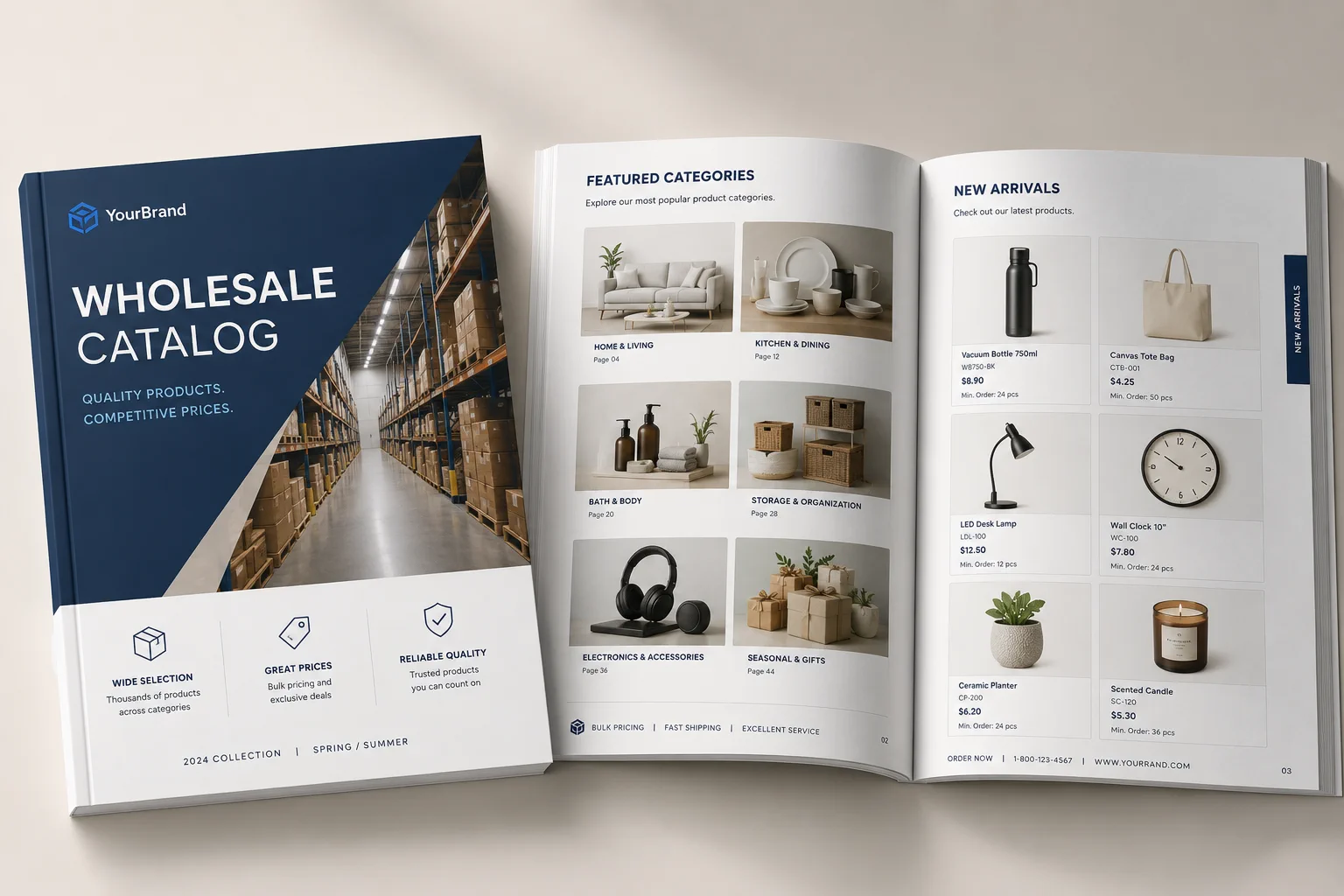
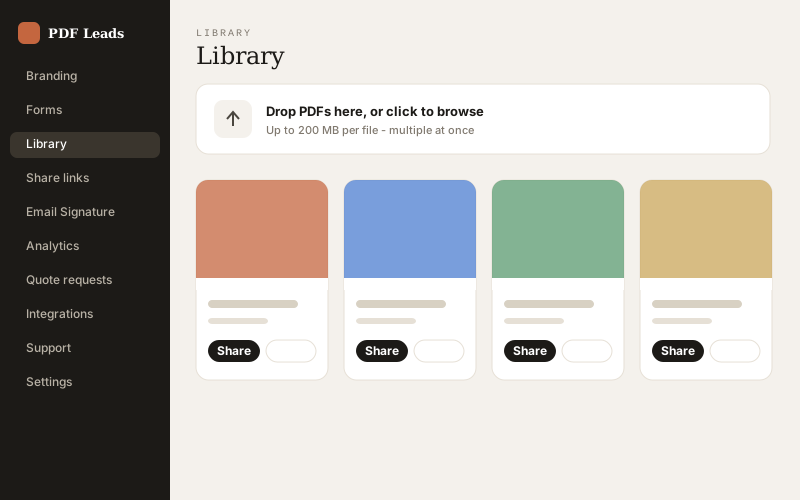
Drag the PDF in — the one you already send to print. The first page automatically becomes the cover, and your catalog gets a clean, friendly share link.

The walkthrough
From the PDF you already print to quotes in your inbox — the whole loop, in six steps.
Drag the PDF in — the one you already send to print. The first page automatically becomes the cover, and your catalog gets a clean, friendly share link.
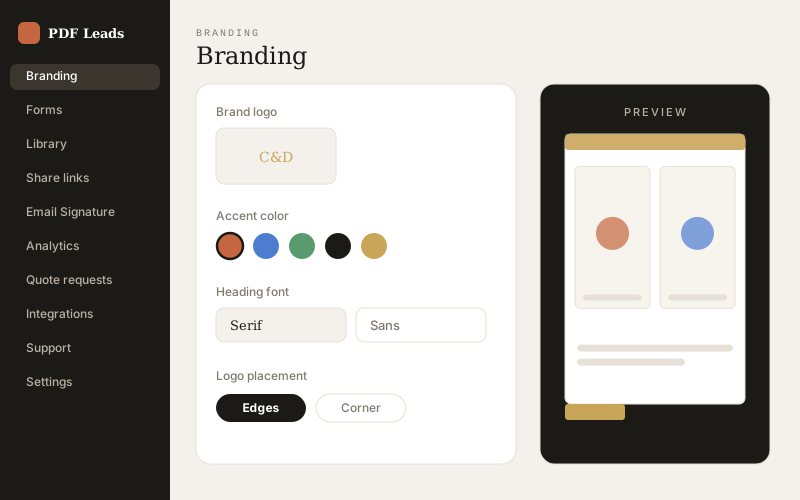
Branding presets carry your logo (edge animation, corner or watermark), fonts, colors and card styling. Choose reading modes per device — realistic page-flip on desktop, swipe on phones — and set a background: color, gradient, image or video.
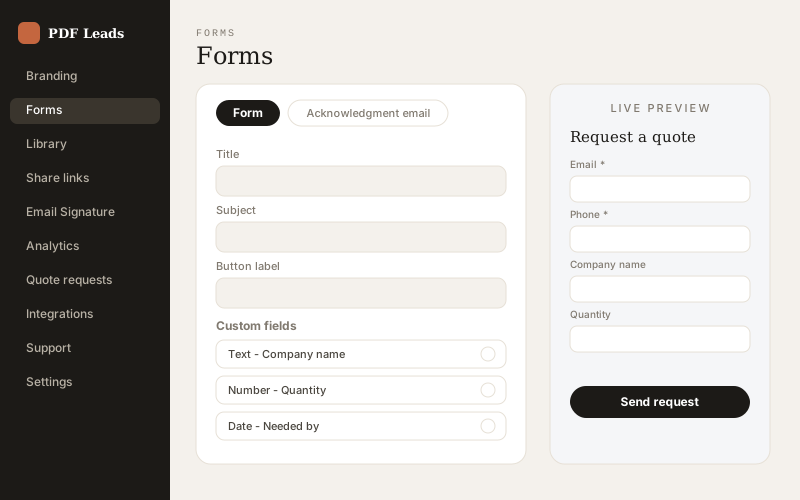
Set the recipient email for quotes (Integrations → Lead routing). Customize the quote form — fields, validation, auto-reply email. Add per-page Buy-Now links and video overlays. Configure contact channels: call, WhatsApp, SMS, Instagram, Messenger, Telegram.
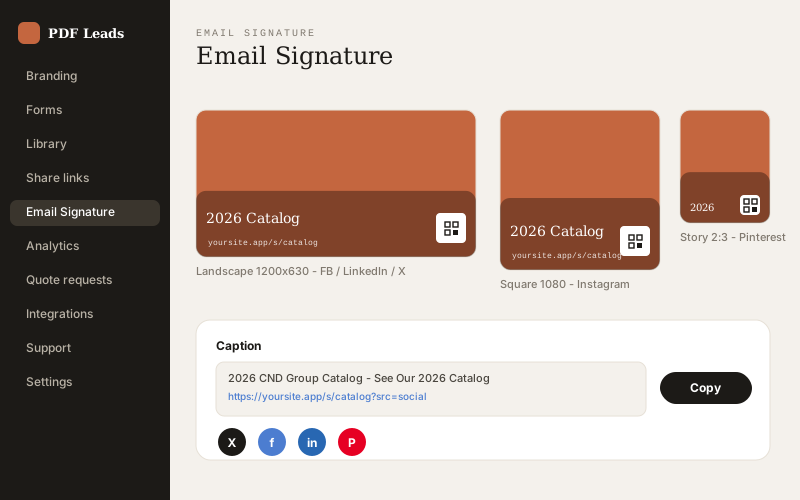
Friendly share links, QR codes that track every scan, hosted email-signature cards, and ready-made social post cards in three formats (1200×630, 1080×1080, 1080×1350) with the QR and link baked into the artwork. Readers can re-share from inside the viewer too.

Magazine-style reading on any device. Readers install the catalog to their home screen, like pages, request quotes (with the exact page attached), tap Buy-Now, watch product videos and save your contact card with one tap.
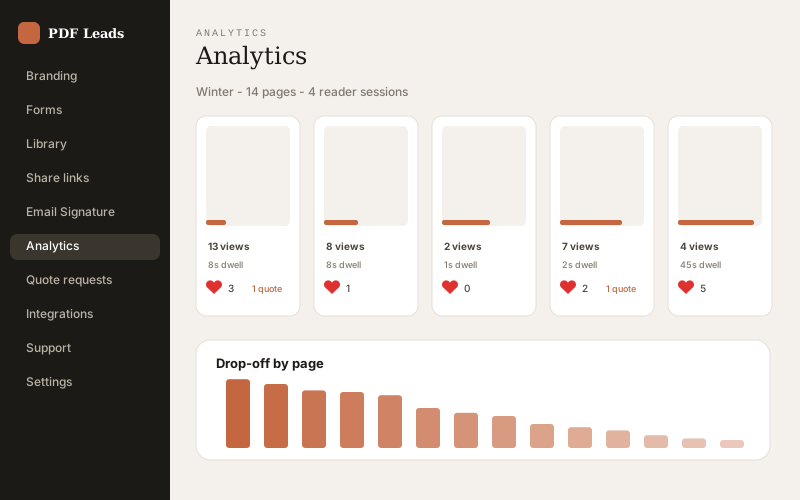
Form responses land in your inbox and dashboard. Per-page analytics show views, dwell, drop-off and likes; traffic sources separate QR from social from email signature. Export CSV/JSON, or push every lead to your CRM with HMAC-signed webhooks (n8n, Zapier, Make).
Guide FAQ
Minutes. Upload the PDF you already have, pick a branding preset and share the link. Quote capture works out of the box — the default form is ready before you customize anything.
To the recipient email you set under Integrations → Lead routing, and to your in-app leads inbox. Each quote email includes the exact catalog page the reader was viewing. You can also push leads to a CRM via HMAC-signed webhooks (n8n, Zapier, Make) or export CSV/JSON.
Yes. QR scans, social posts, email signatures and email opens are attributed separately, so analytics show exactly which door each reader came in through.
They get a mobile-first reading mode you choose (swipe by default), an Add-to-Home-Screen prompt that installs the catalog like an app, and one-tap contact via call, WhatsApp or SMS.
Upload your catalog now — free plan, no credit card.